Captions, word by word
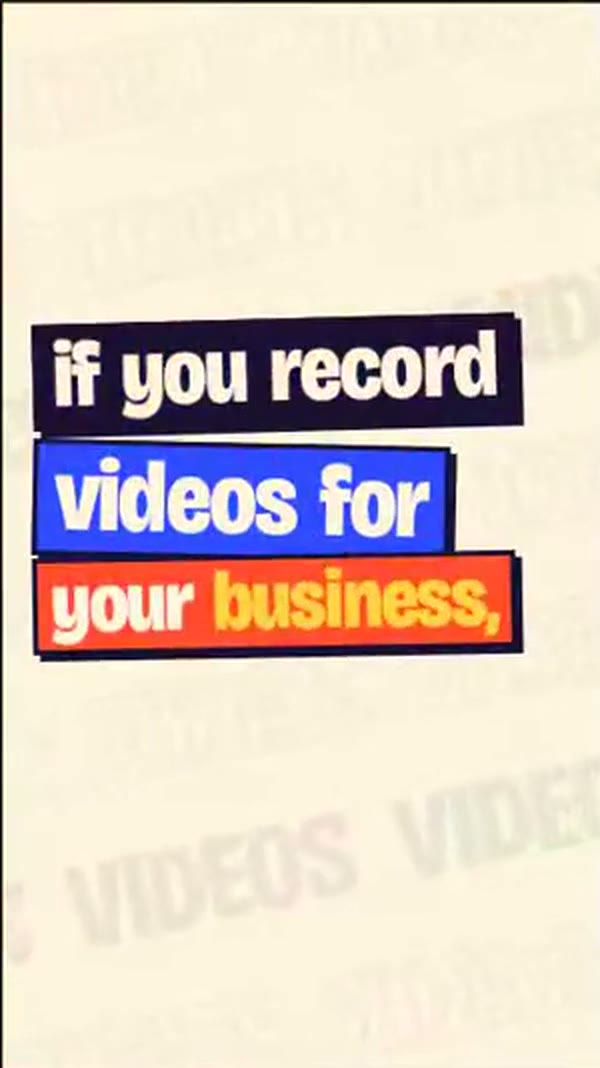
Each word shows as you say it, in a caption style you pick for every scene.
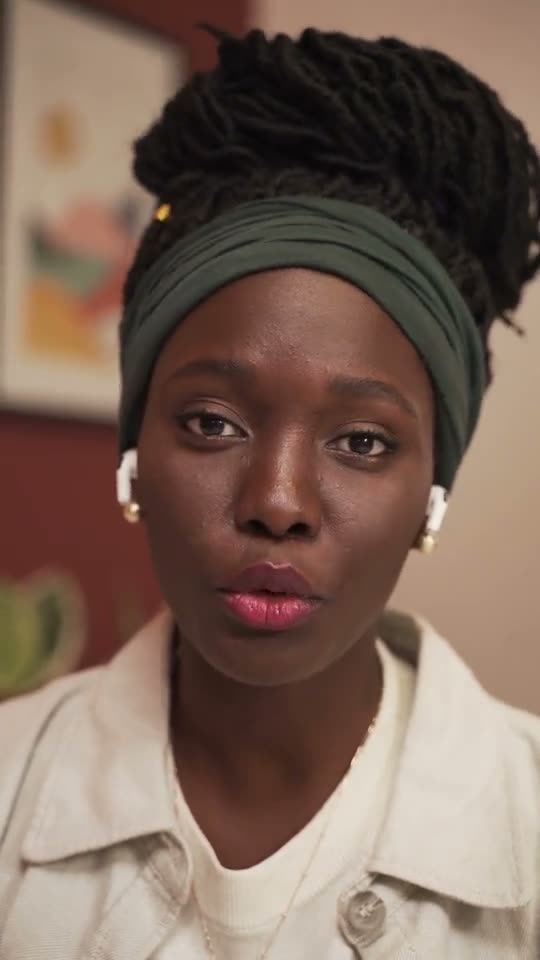
Bring a short take of yourself talking. Your AI shapes it into a Tall 9:16 clip through Saycut, the captions land one word at a time, and you export it on your own computer.
Mac and Windows, launching together
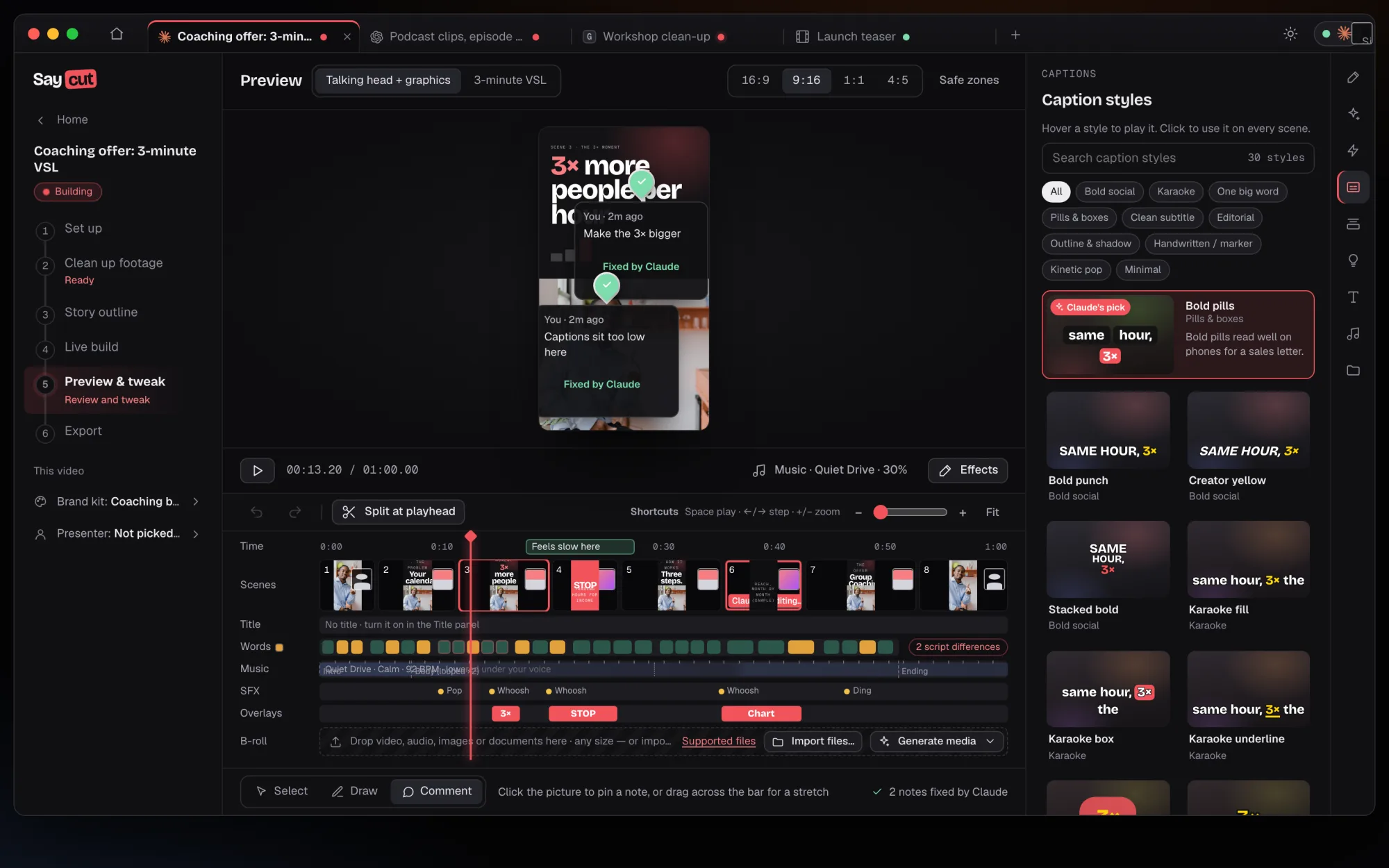
You bring the take and say what the clip is for. Your AI builds it through Saycut, and you watch it come together before anything is exported.
Each word shows as you say it, in a caption style you pick for every scene.
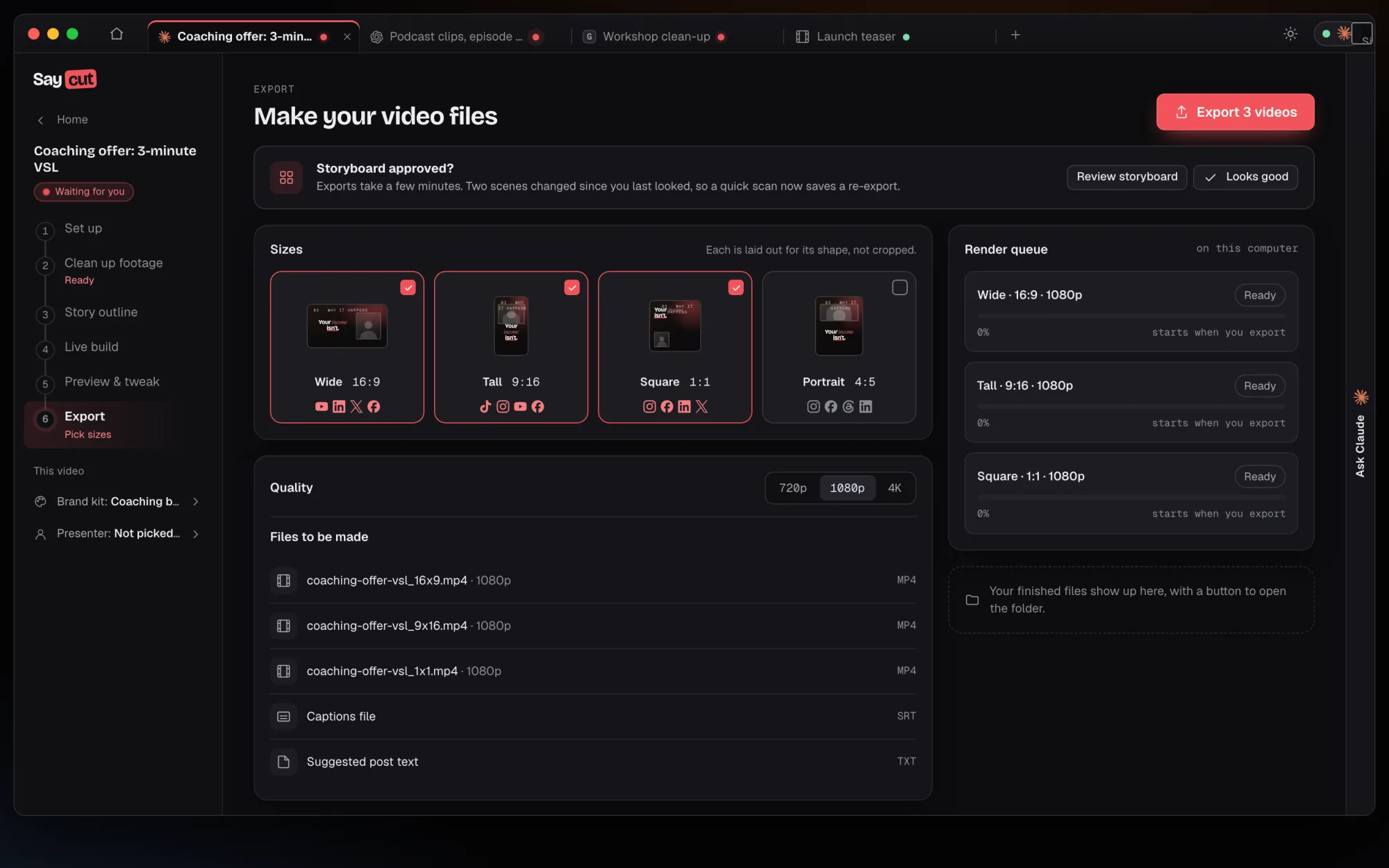
Tall 9:16 for phones, plus Square and Portrait when you want them.
Each export can include a captions file and suggested post text per platform. You post it yourself.
Captions, titles and end cards follow the brand kit the project uses.
Story outline
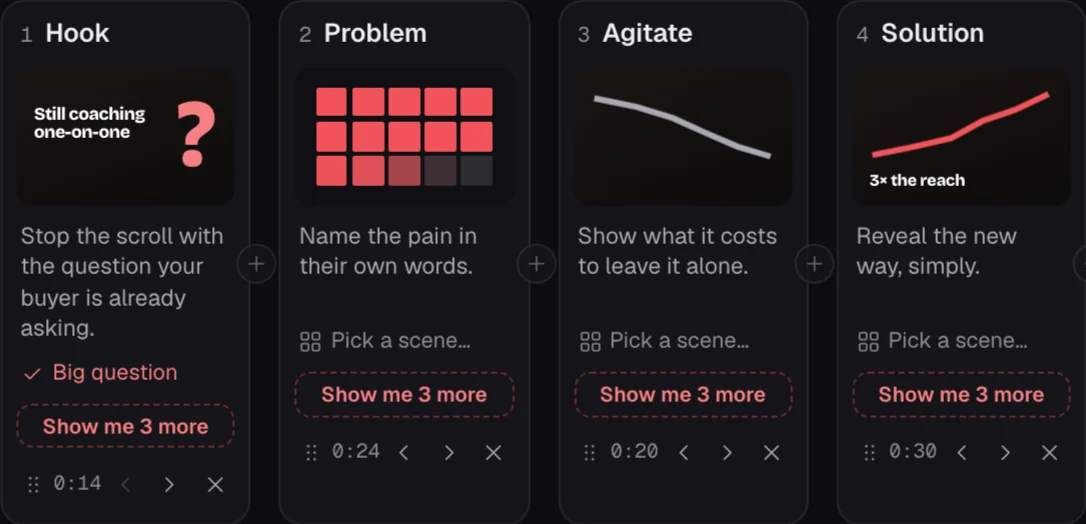
Your AI lays the clip out in parts, hook first. Ask for "Show me 3 more" on any part to hear other ways in, then approve the outline before a scene is built.
Captions
Hover a style to play it, click to use it everywhere. Bold, karaoke, one big word or a quiet subtitle, all in the same project.
Preview & tweak
Watch the clip live with no render wait. Pin a note like "Captions sit too low here" and your AI app makes the change, or nudge it yourself on a light timeline.
Export
Your computer makes the Tall file, along with a captions file and suggested post text. You post it wherever you like.
Caption style
Each word sits in its own pill, and the word being said turns coral.
Same clip, same words. Only the style changes.
Bring the audio file and tell your AI app what you want. It picks the moments and lays them out for you to approve. Each clip comes back tall and captioned word by word, and you post it yourself.
One episode in
Cut my podcast episode 12 into three captioned vertical clips.
Three tall clips out
Join the waitlist and we'll email you when Saycut opens on Mac and Windows.
 The Booked Out Show