Any AI app, any time
Use Claude, Codex, Gemini, Grok, Cursor or another AI tool, with whichever model you pick in it. Your projects stay in Saycut when you switch.
Works with the AI app you already use, and whichever model you pick in it. Switch apps any time: your projects stay in Saycut.
Mac and Windows, launching together
Saycut runs no AI of its own. Your AI plans and builds the video through Saycut, and you check it as it goes.
Use Claude, Codex, Gemini, Grok, Cursor or another AI tool, with whichever model you pick in it. Your projects stay in Saycut when you switch.
Your AI plan's limits, or your API key's billing. Saycut doesn't charge for AI.
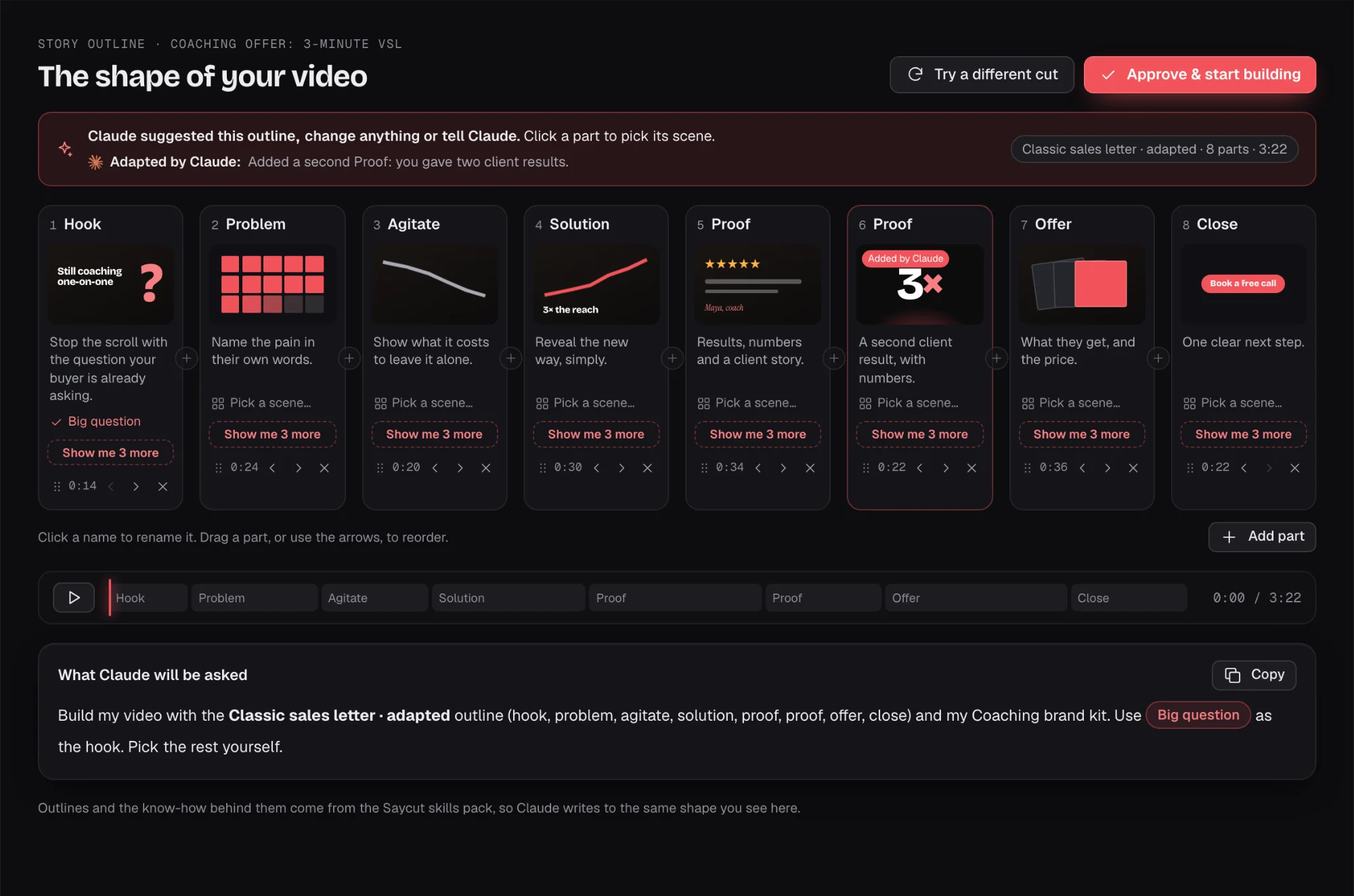
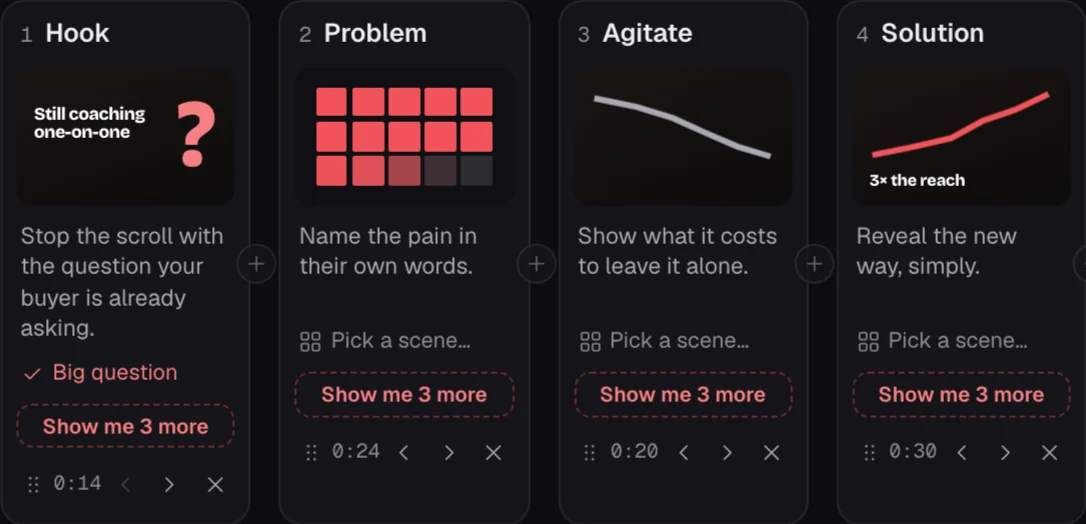
Your AI shows you the story outline and waits for you to approve it before it builds.
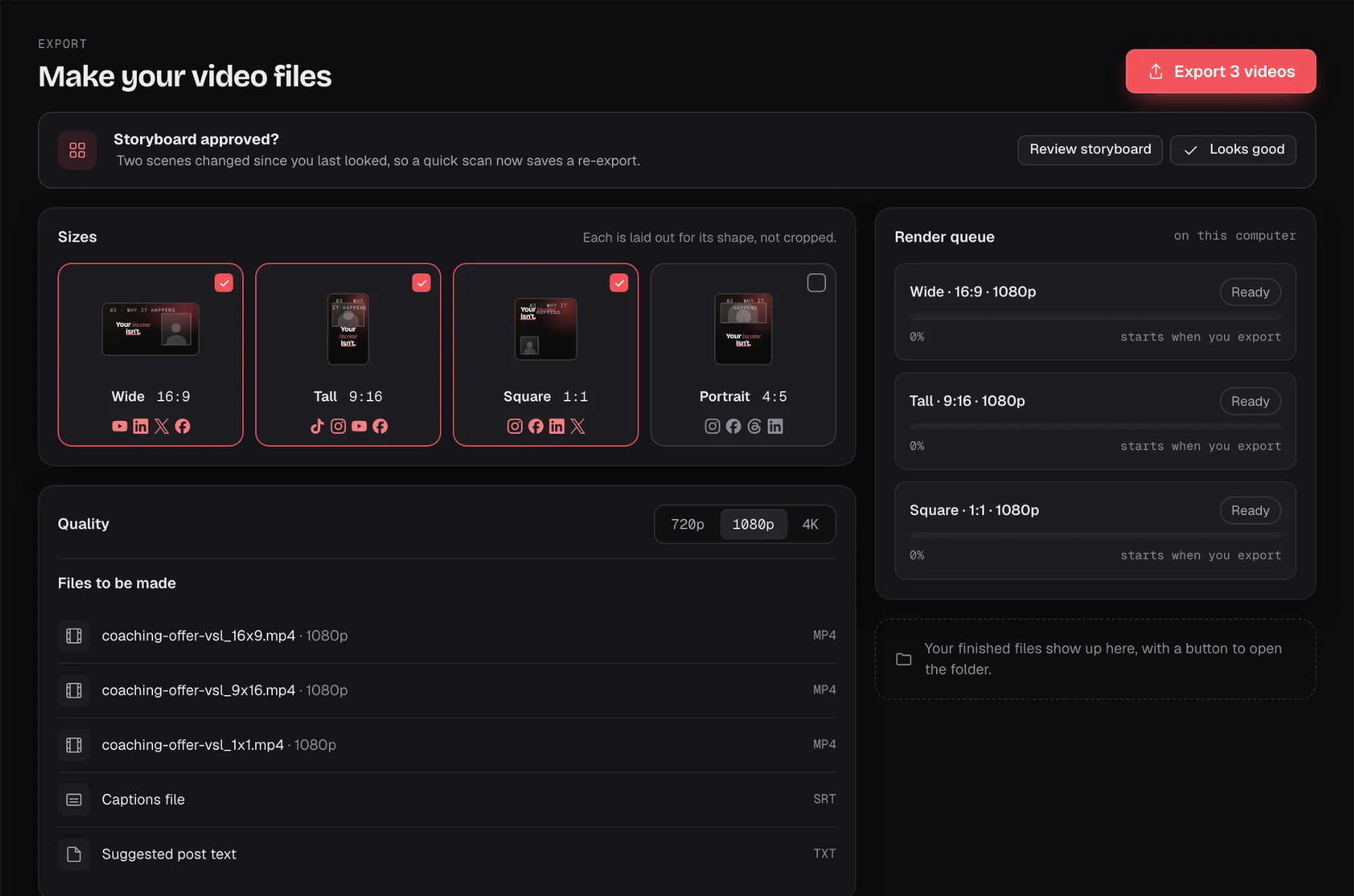
Ask your AI app to change a scene, or fix small things by hand on a light timeline.
From your AI app or code editor
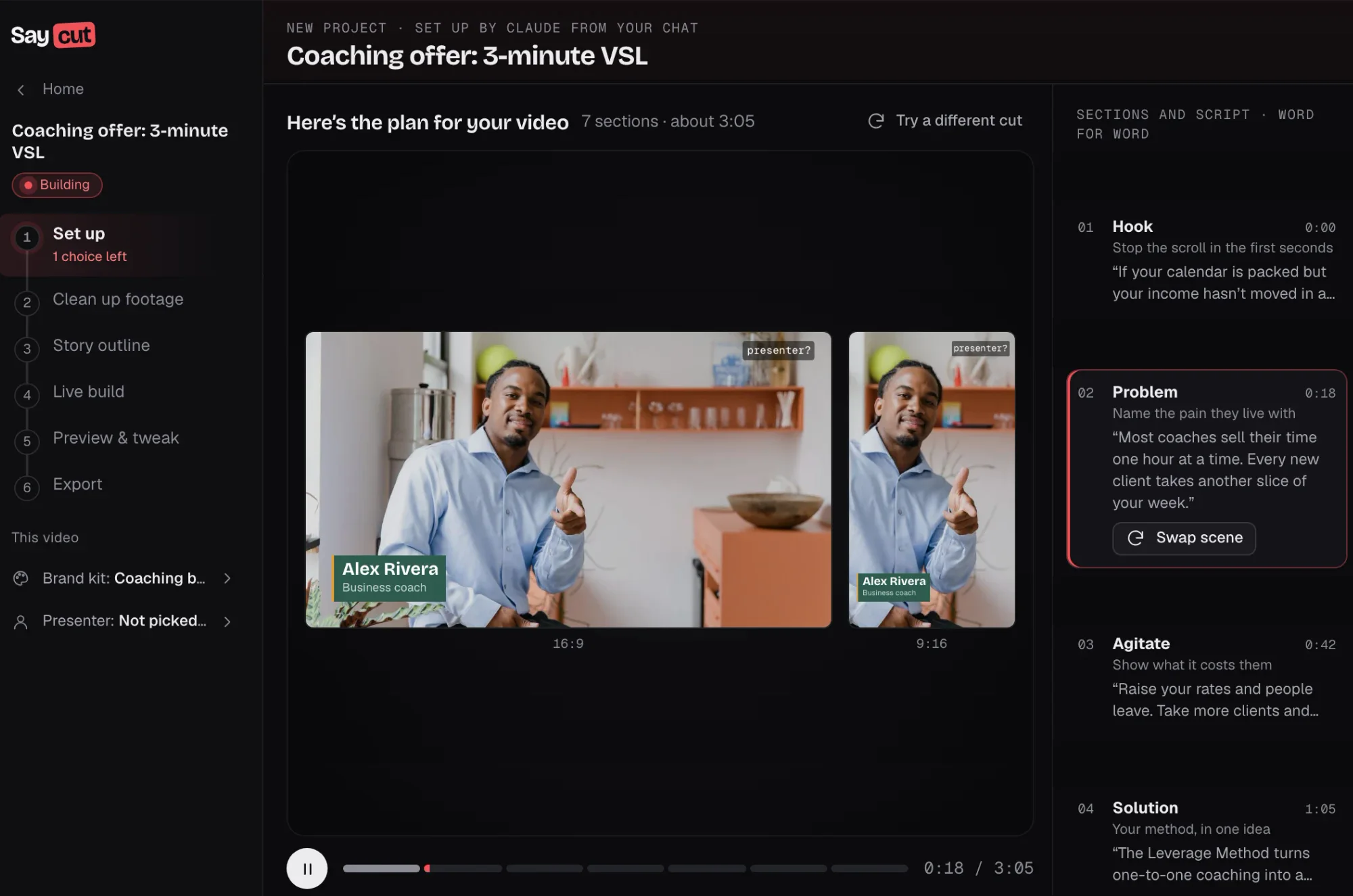
Talk to Claude, Codex, Cursor or another AI tool the way you do today. It plans the video, builds it in Saycut and makes the changes you ask for. When it needs an answer, it stops and asks you.
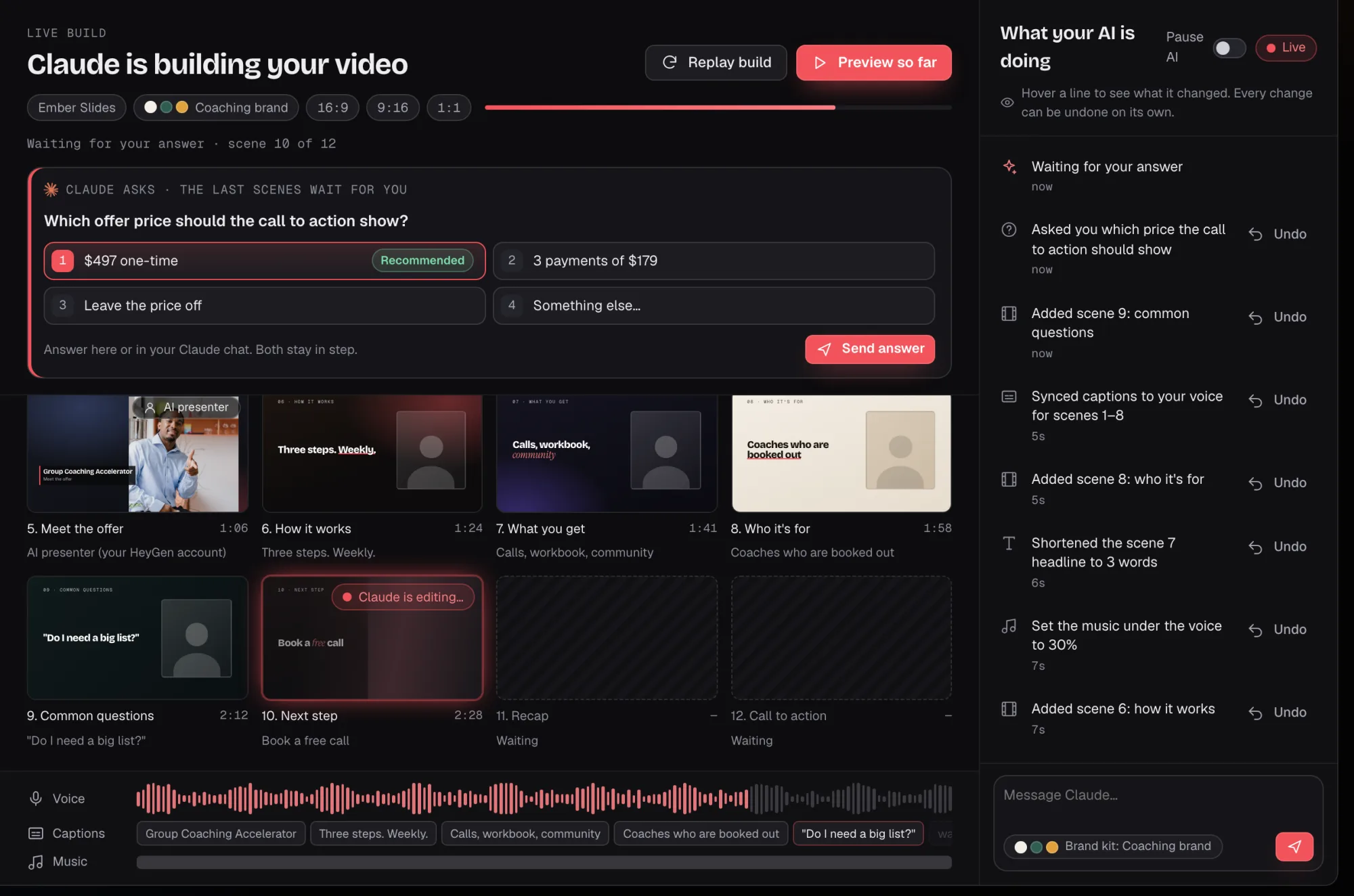
Inside Saycut
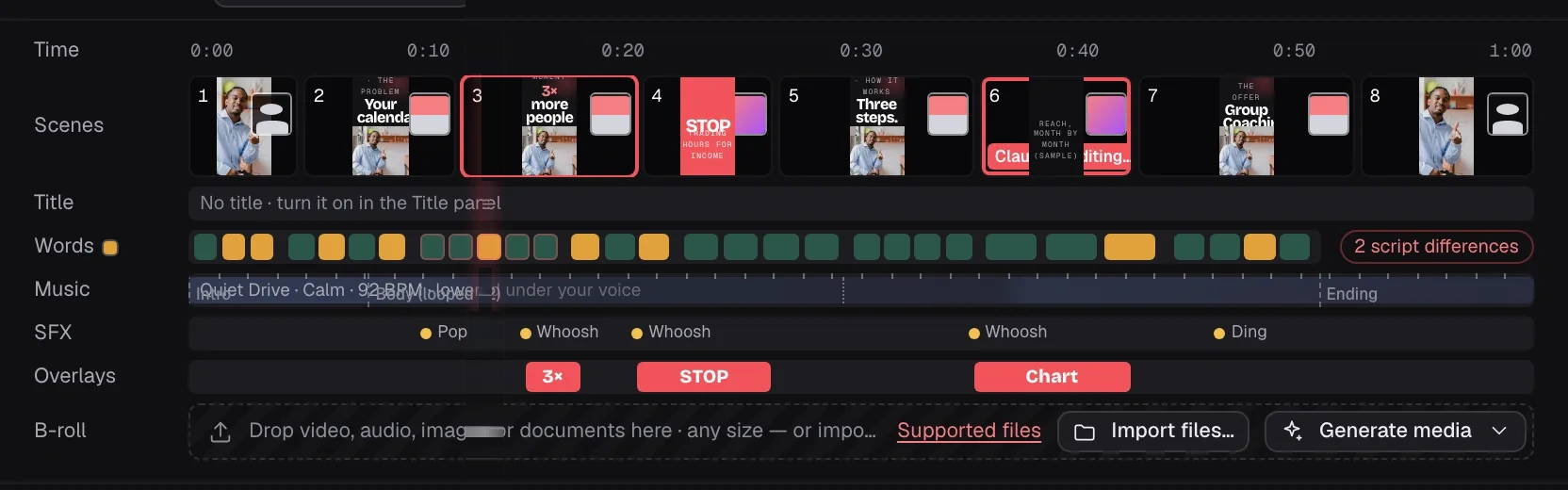
Watch the live preview, nudge things on a light timeline and leave a note for your AI. The "Send to your AI" box passes your request to your AI app. The timeline is for tweaks, not a full editor.



For developers
MCP is the standard way AI apps such as Claude and Cursor plug into other tools, so your AI app can drive Saycut directly. The CLI, or command-line tool, is for agents that work in a terminal, such as Codex CLI, Gemini CLI or Grok CLI.
Your AI app sees Saycut as a tool it can use, and builds the video with it.


An agent that works in a terminal runs Saycut's command-line tool to build the video.


Saycut doesn't charge for AI. Builds, takes and fixes use your own AI plan's limits or your API key's billing.
Use the AI plan you already pay for each month. Your usage counts against that plan's limits.
You chat in your AI company's own app, such as Claude or Codex, and it drives Saycut.
An API key is a code from your AI company. They bill you for what you use.
It stays in your agent tool, such as Claude Code or Codex, and Saycut never runs AI on it.
You connect one AI to make a video. You can look around Saycut and open the sample video without one.
Claude
Codex
Gemini
Grok
Cursor
Any AI tool
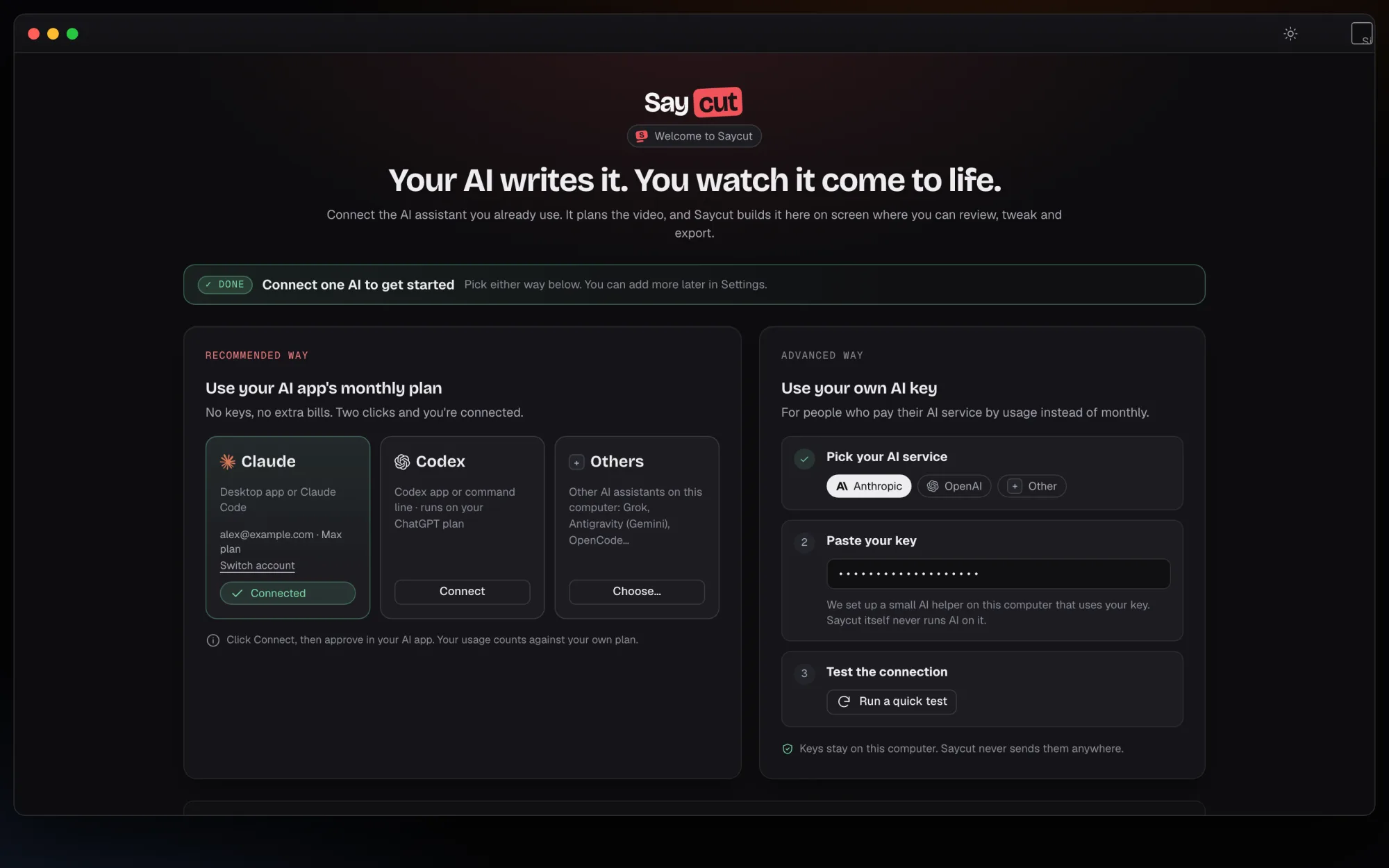 Connect the AI app you already pay for.
Recommended way
Advanced way
Claude DesktopClaude CodeCodex appCodex CLIGemini CLIGrok CLICursorPick one on the Connect screen. You can add more later in Settings, and switch any time.
Join the waitlist and we'll email you when Saycut opens on Mac and Windows.